
A system that looked done, but wasn’t. Here’s how we found the gaps and mapped the fix.
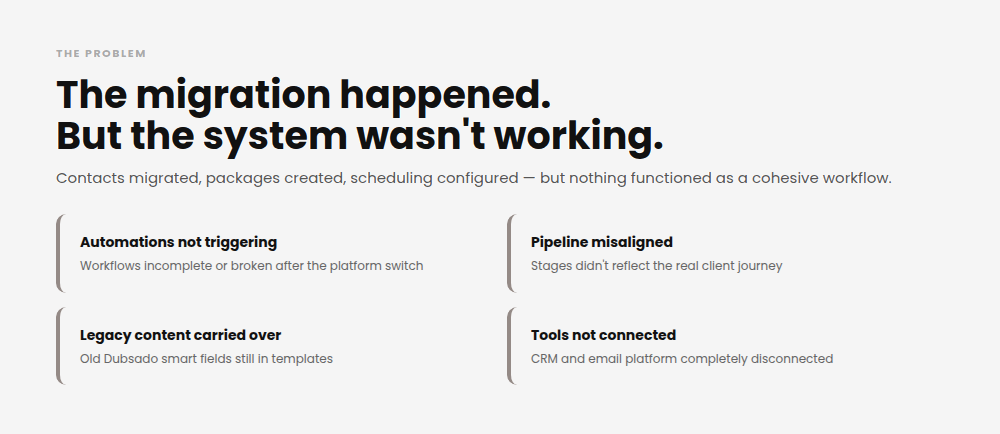
This client recently moved their business from Dubsado to HoneyBook. On paper, the migration was complete: contacts were in, packages were built, and scheduling was live.
But migrated and working aren’t always the same thing.
Key areas were disconnected: pipeline structure, automations, templates, branding, and email.
The pieces were all there. But the system wasn’t functioning as a cohesive workflow
- Automations were incomplete or not triggering
- Pipeline stages reflected internal to-dos, not the actual client journey
- Old Dubsado smart fields were still buried in templates
- Branding varied across CRM and email
- The email system was not fully set up
- Integrations were not connected
This created manual work, inconsistent client communication, and limited visibility across the pipeline.
None of this is unusual after a platform switch. A migration moves your data; it doesn’t rebuild your logic. That part has to be done on purpose, and a system audit is a great way to uncover the problems.
The goal was to evaluate the full system, identify breakdowns, and define a structure that could support a clean rebuild.
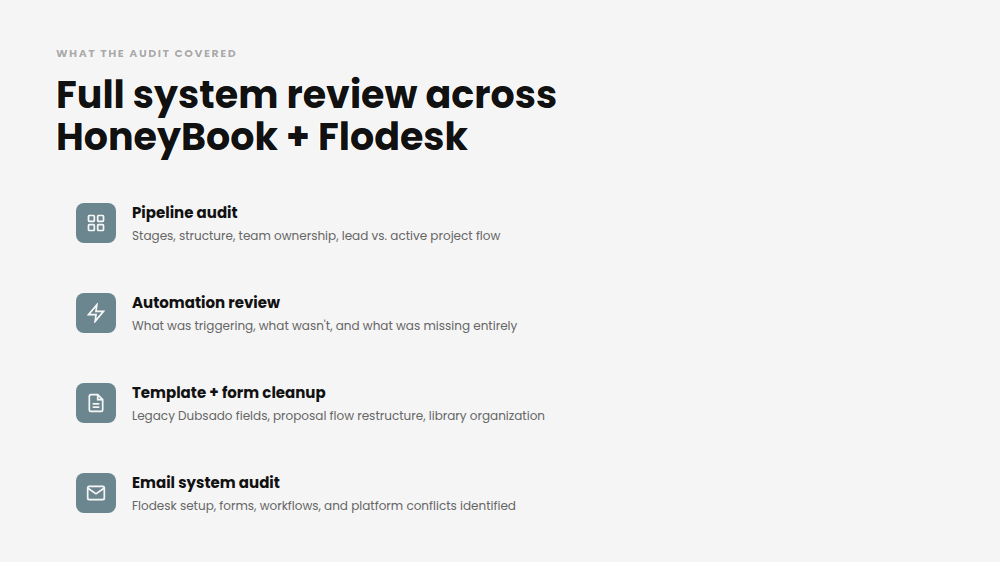
What the Audit Covered
Before building anything new or touching a single automation, we needed the full picture. That meant reviewing every layer of the system, not just the CRM.
What this included:
- CRM audit (pipeline, automations, templates, forms)
- Email system audit (Flodesk setup, forms, workflows)
- Identification of gaps, redundancies, and broken workflows
- Pipeline restructuring recommendations
- Automation cleanup and build roadmap
- Template and system cleanup plan
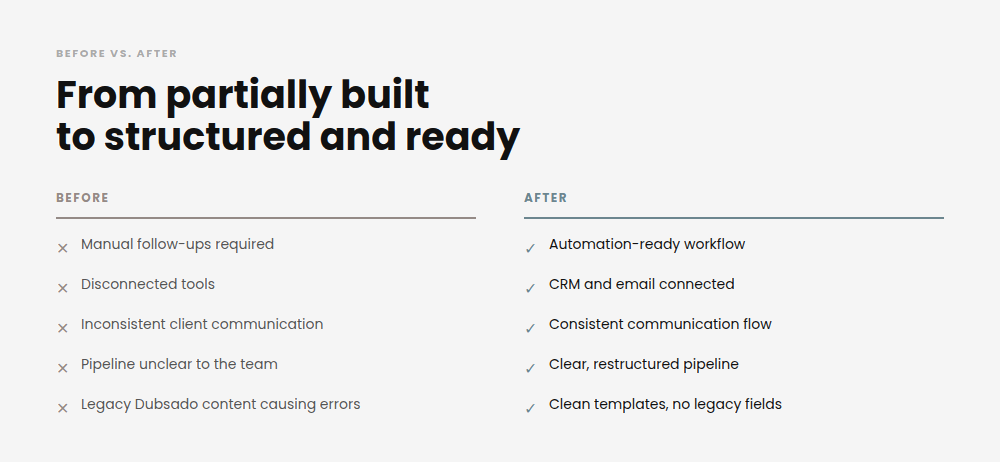
From Partially Built to Structured and Ready
The audit covered every layer of the system. What emerged was a clear path from patchwork to structure.
Before
- Manual follow-ups required
- Disconnected tools
- Inconsistent client experience
- Pipeline unclear to the team
After (Planned)
- Defined workflow stages
- Automation-ready structure
- Connected systems
- Consistent communication flow
The Result
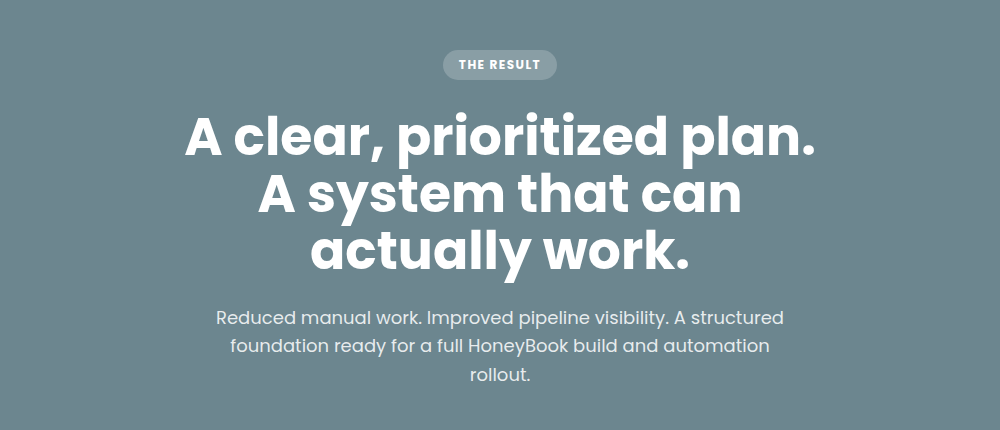
This audit didn’t hand over a finished system. It handed over something more useful: clear direction on exactly what needed to happen, and in what order.
- Reduced manual work.
- Improved visibility across the client journey.
- A structured foundation ready for a full CRM build and automation.
If your CRM was migrated, inherited, or DIY’d into existence and it’s technically working but not reliably, this is usually where the fix begins. Not with a rebuild. With an honest look at what’s actually there.
Because automations only work if the foundation underneath them is solid.
Not sure where your system stands?
- If you want to learn how to evaluate it yourself, start with CRMs Made Easy.
- If you want someone to do the audit for you, check out the systems we build.
Either way, the first step is the same — you have to see what’s actually there before you can fix it.
Whether you want to roll up your sleeves or hand over the heavy lifting, the right system starts with an honest look at what you’ve got.
Explore CRMs Made Easy if you’re ready to dig in yourself.
Check out the systems we build if you’re ready to hand it off.
